A Live Display for Your Day
Weather, transit, scores, calendars, alerts and custom apps on a beautiful pixel display. No monthly fee.
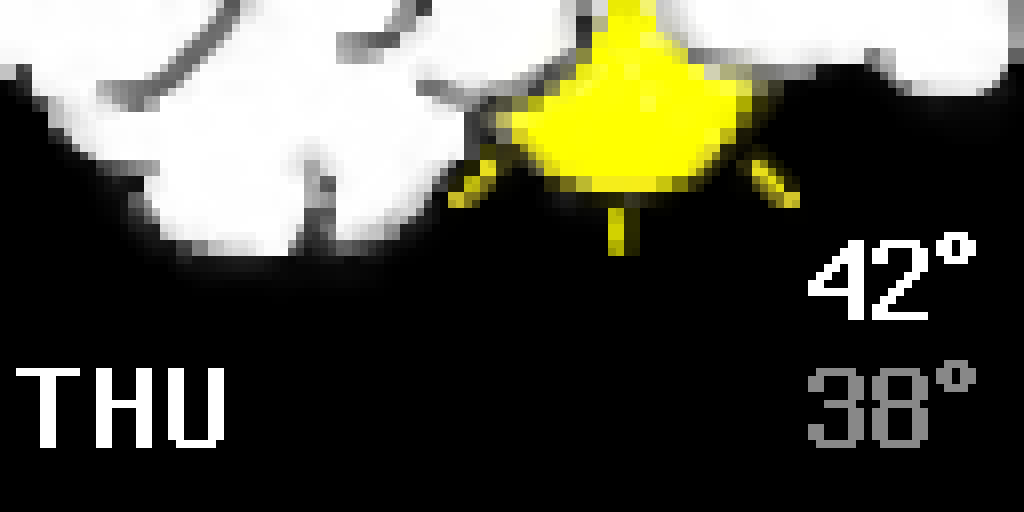
Pre-order now!- Weather before you leave
- The next train at a glance
- Scores without opening an app
- Your calendar from across the room
- A clock that fits your space
- Your own app when nothing else fits
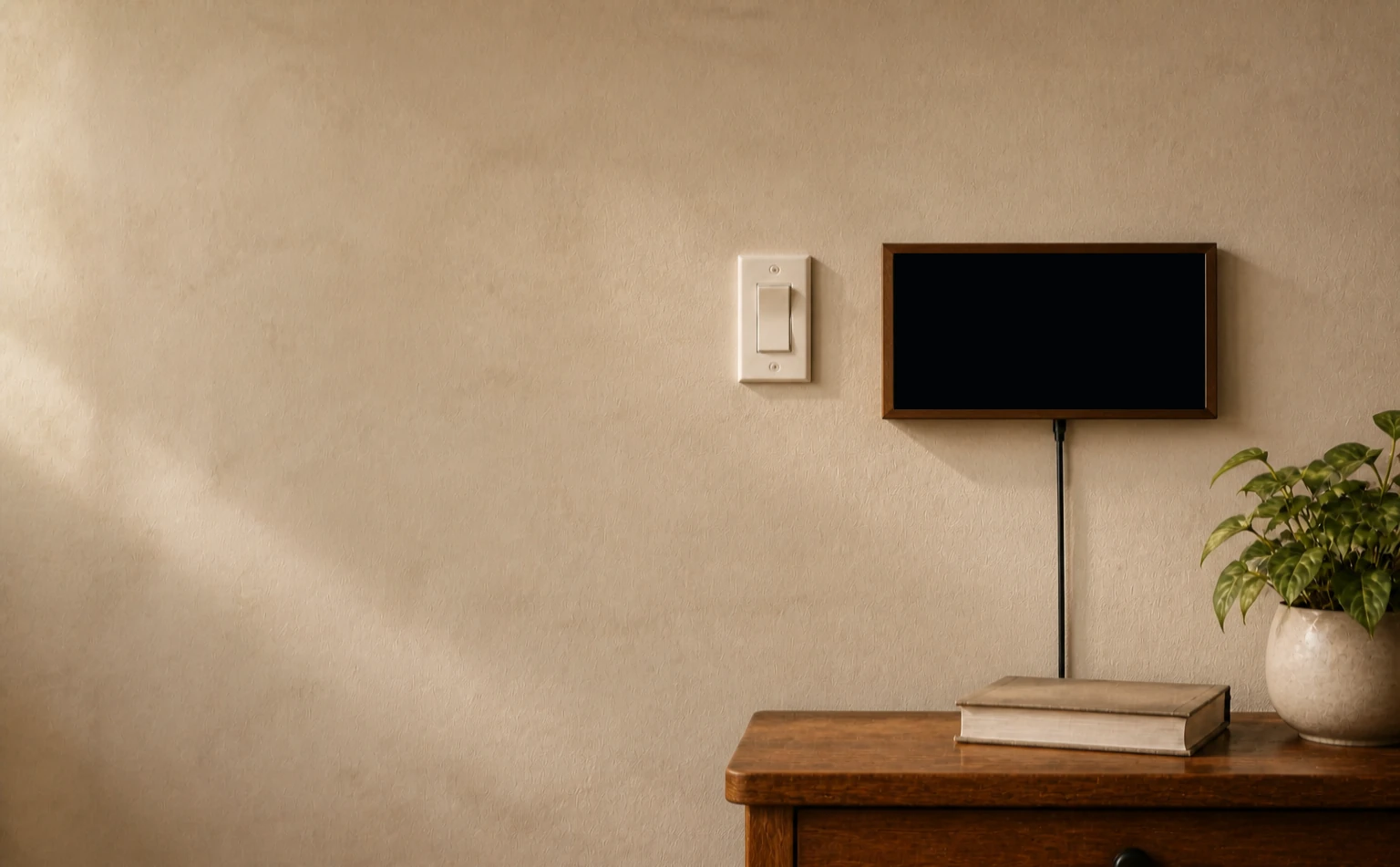
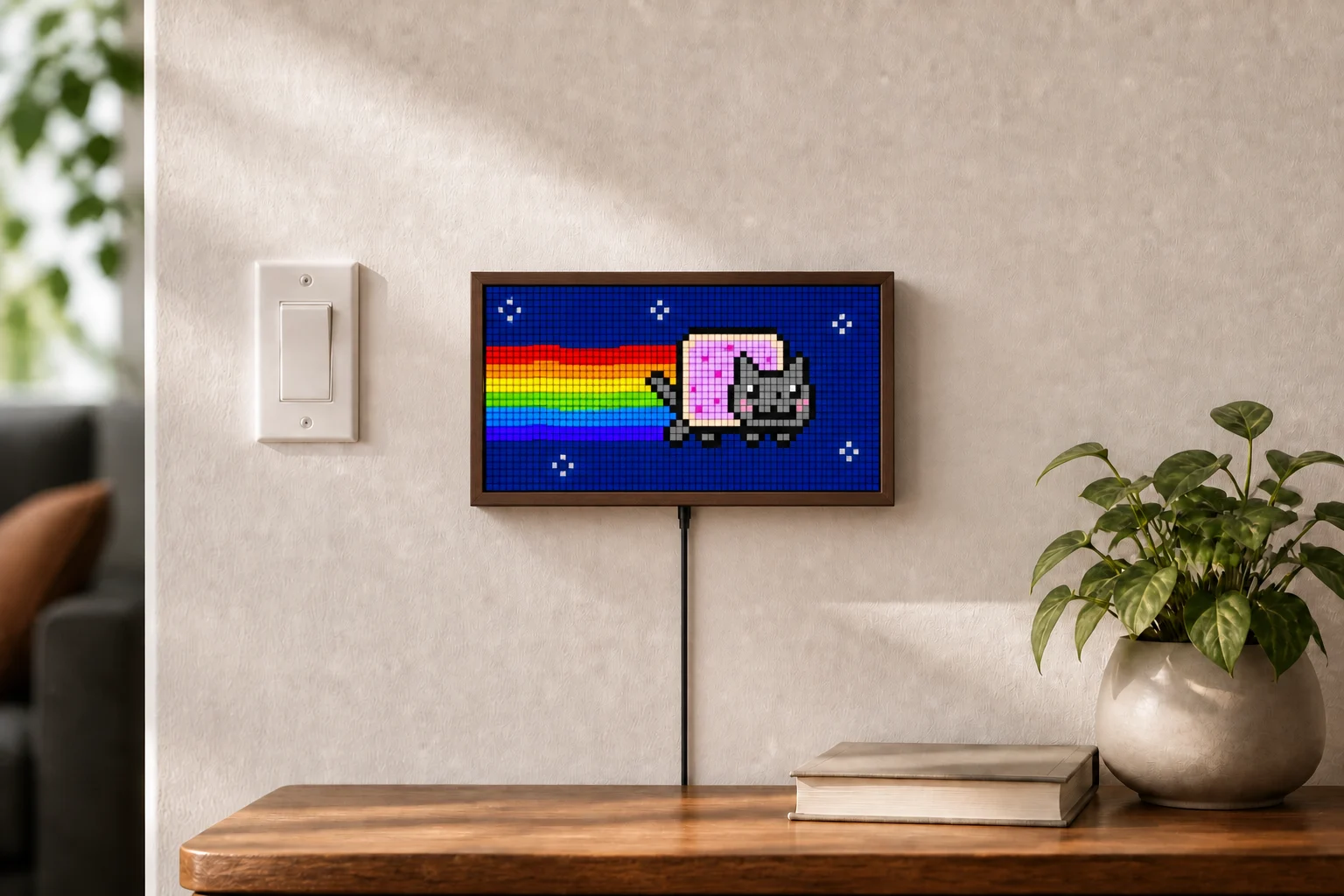
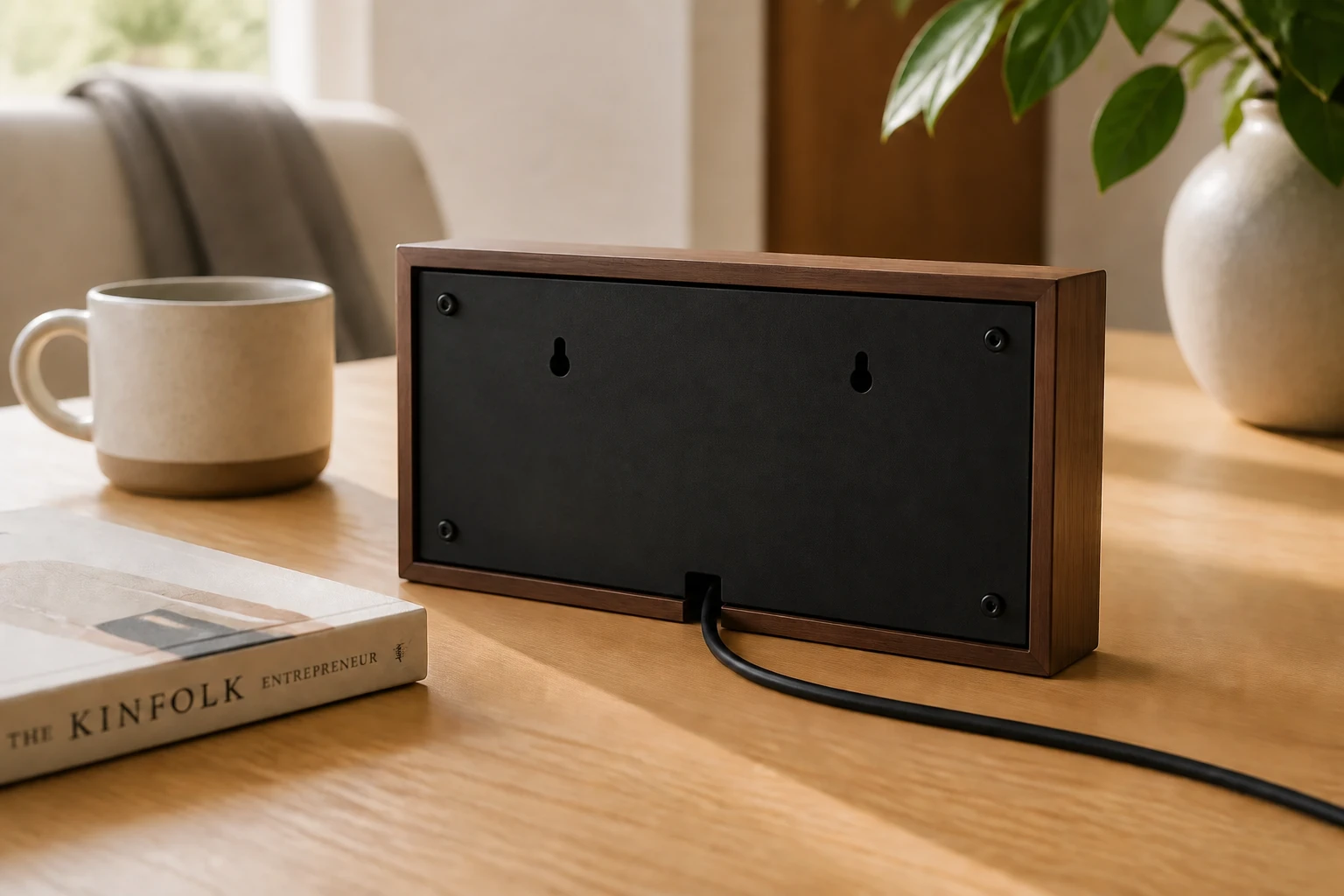
At home on a shelf or the wall.
It stands up by itself, and a flush wall mount comes in the box.
The earlier you join, the more you save.
Pay-in-full pricing
- $149First 50 · Sold
- $159Next 50
- $189Next 50
- $199Final retail price
39 of 50 spots left at $159.
1-yearwarranty
Cancelbefore it ships
30-dayreturns
No subscriptionrequired

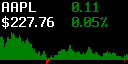
Stocks

Baseball

Phase of Moon

Cryptocurrency

Day Night Map

Google Calendar

Football

Clock
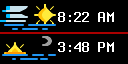
Sunrise Sunset

Photo

Spotify

Arcade Classics

News

Nyan Cat
Pick what deserves a place on the display.
The catalog has more than 1,000 apps for weather, transit, sports, calendars, clocks, markets, and more. Install a few, put them in order, and ignore the rest.
See all appsGet the Niblet app.
Set up your display, choose apps, and adjust it from your phone. Free on iPhone and Android.



Build custom apps with your AI.
Use Claude, ChatGPT, Gemini, or Cursor. Describe the screen you want, check the real pixels, and put it on your Niblet.
Plus more
- Write a prompt
- Tell the AI what you want Niblet to show, in the same words you would use with a person.
- Build and preview
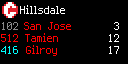
- A local Niblet skill gives the AI the app format, while the CLI renders the exact 64 × 32 result on your system.
- Publish and share
- When it looks right, the CLI uploads the immutable source and preview for review and free catalog hosting.
Questions people usually ask.
What do I pay after buying it?+
Nothing each month. The mobile app, web dashboard, firmware updates, cloud service, and custom app hosting are included.
Does it stop when the internet goes down?+
No. The display keeps playing its saved rotation. Apps with live data update when the connection comes back.
Can it go on a wall?+
Yes. The included mount fits into the recessed back, and the power cable exits underneath.
How does it get power?+
Through USB-C. The port is underneath the frame, so the plug does not push it away from the wall.
Can I write an app for it?+
Yes. Niblet apps are small Starlark programs that run in a restricted renderer. You can read the source, preview the exact display output, and publish your own. Hosting is included.
Is it meant to replace my phone?+
No. It is for information you can understand at a glance. Anything that needs interaction still belongs on your phone or computer.