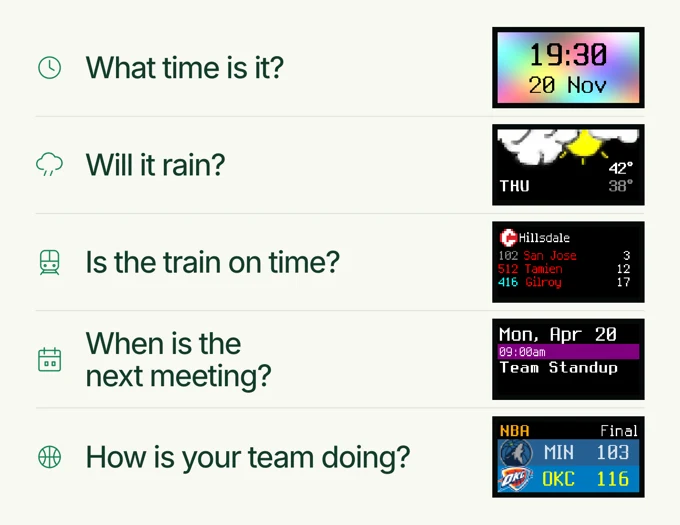
Each answer is small. Getting it often means opening a phone and finding everything else waiting there too.
Niblet One gives those useful updates a permanent place in the room. It is a compact, full-color live display you can shape around your day.
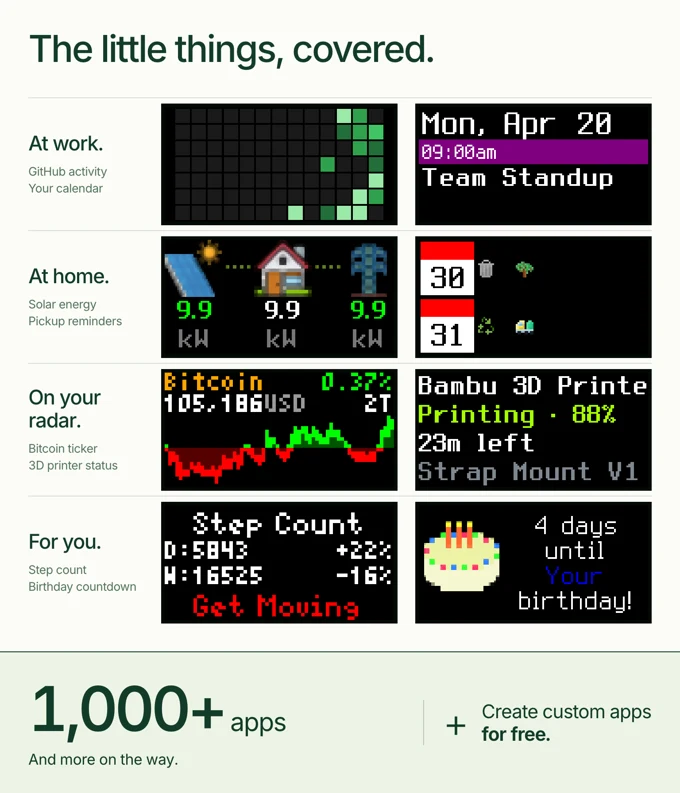
Start the morning with time and weather. See the next train or bus before leaving. Keep a calendar or useful status beside your desk. Follow scores and standings when your team is playing. Let art or something personal take over when the day grows quiet.
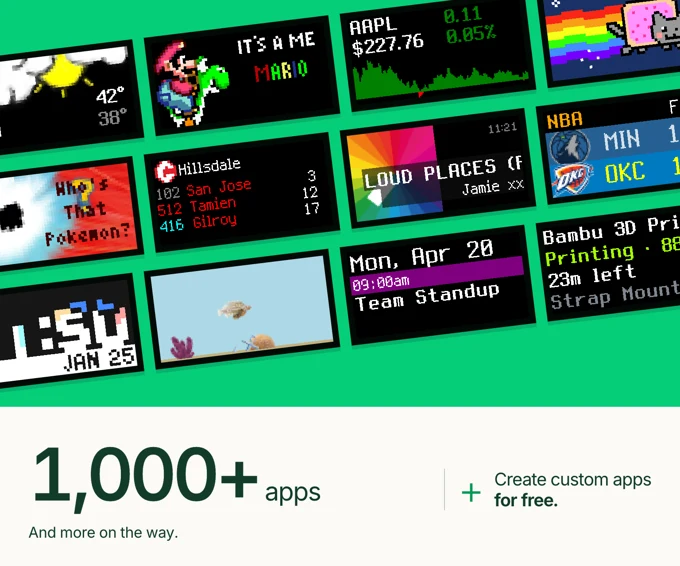
Choose from more than 1,000 apps, arrange them into a rotation and build your own when the screen you want does not exist yet.
Niblet does not replace your phone. It lets the small updates stay small

Niblet is designed to become useful quickly and then get out of the way.
1. Connect it. Set up your display from your phone or browser.
2. Choose your apps. Add weather, scores, calendars, clocks, markets or something else that you like from 1000+ apps and integrations
3. Arrange the rotation. Pick the order, timing, schedule and brightness.
4. Close the app. Niblet keeps the information moving on the display.
There is no new habit to learn and no reason to keep the control app open. You can set it and forget it.


Niblet can be different things at different times of day.
In the morning: See the time, today's weather and what the rest of the day looks like.
On the way out: Check the next train or bus without starting another phone session.
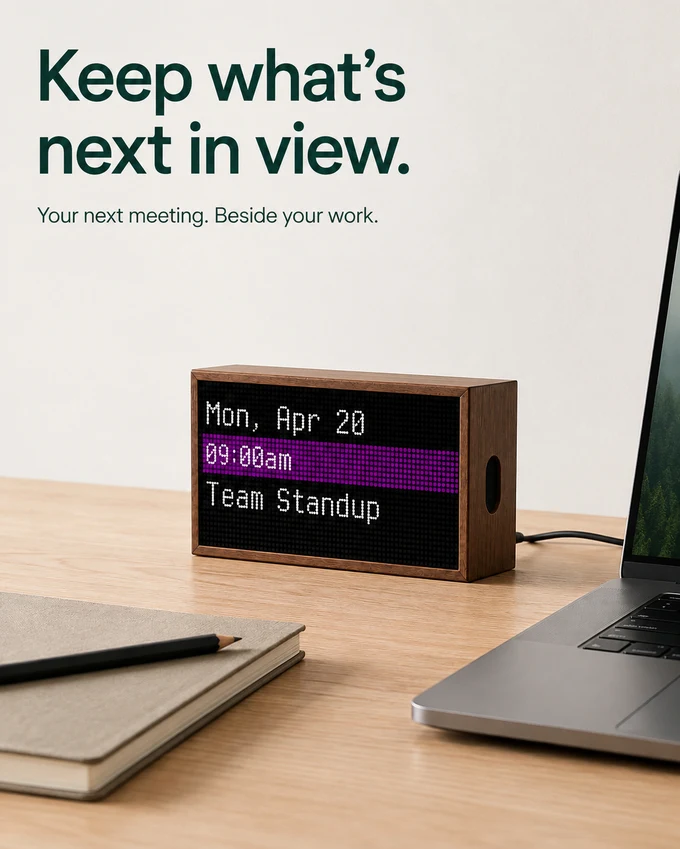
While you work: Keep the next meeting, a countdown, a build, a printer or a market beside your desk without adding another interactive monitor.
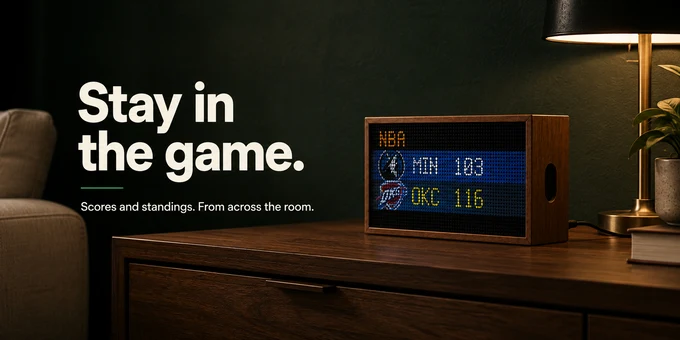
When the game is on: Follow scores, standings and upcoming games from across the room
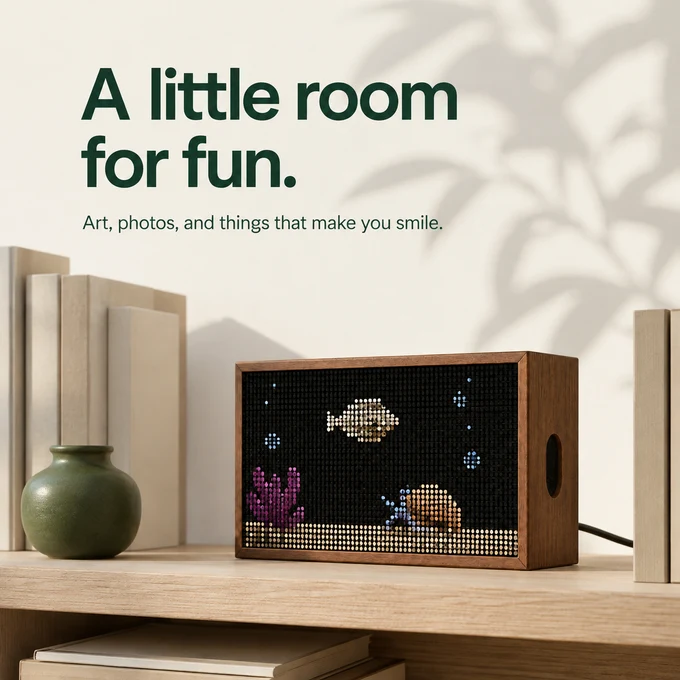
When nothing is urgent: Let Niblet become pixel art, a photo, a tiny aquarium or something a community member made for fun.


The CAD designs gave us the shape but, 3d printing the prototype and iterating multiple times helped us get every detail right.
We printed the enclosure again and again, testing how the display, backplate, speaker, cable routing, and mounting hardware fit together. Each version revealed something a 3D model could not, like small tolerance issues, awkward seams, unnecessary depth, or parts that were harder to assemble than expected.
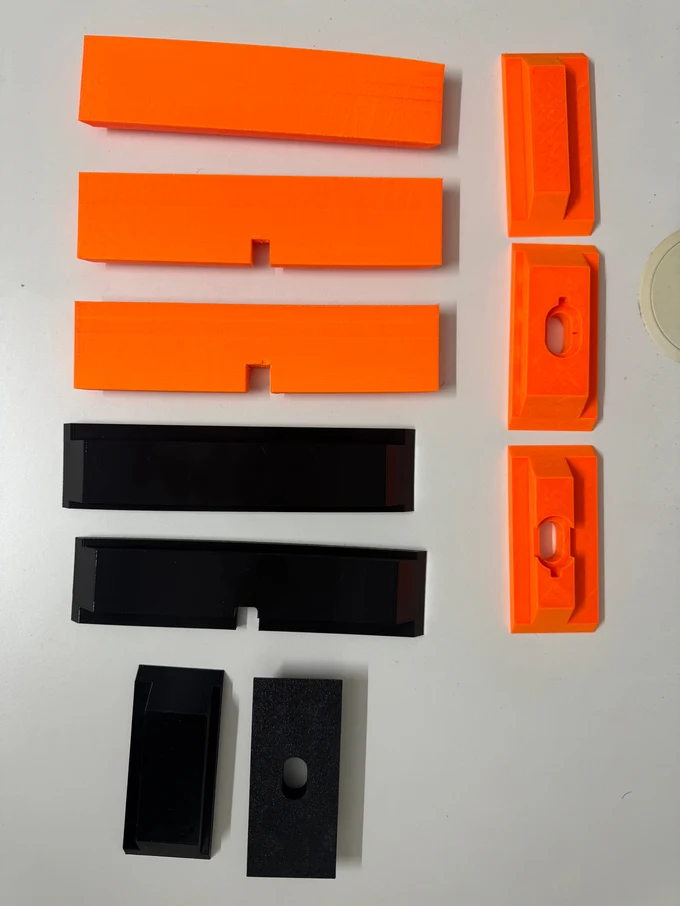
We adjusted, reprinted, assembled, and tested until everything fit cleanly and securely. Only then did we finalize the CNC design and move forward with the wooden enclosure.
That process allowed us to refine the engineering quickly while ensuring the finished Niblet would feel considered, solid, and ready for everyday use whether it sits on a shelf or hangs on a wall.
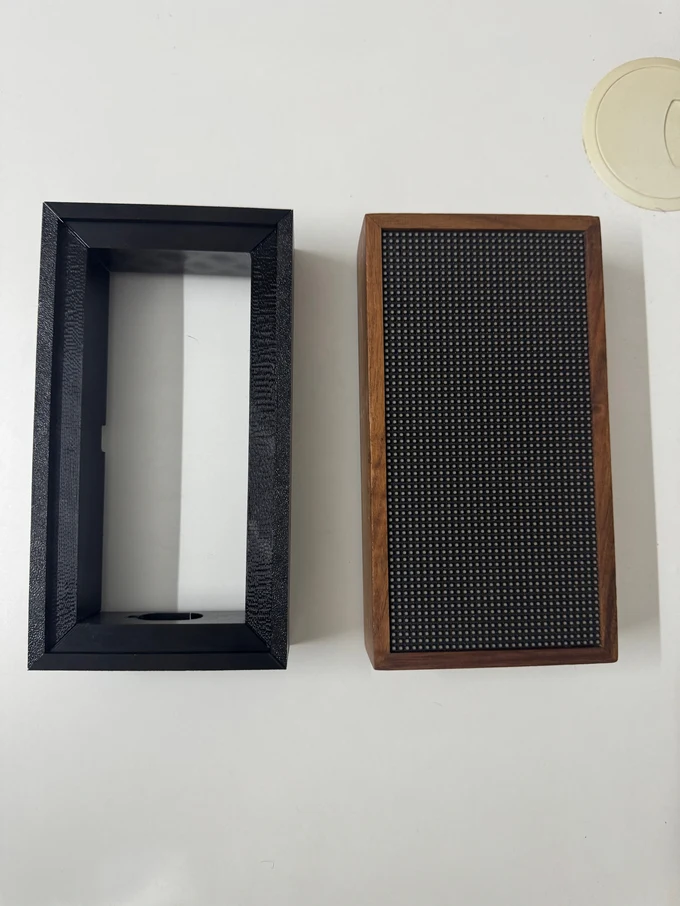
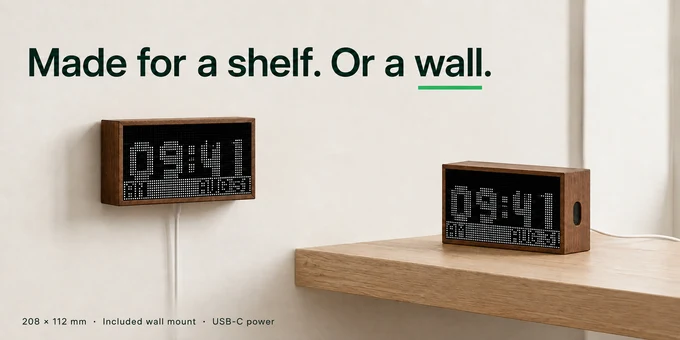
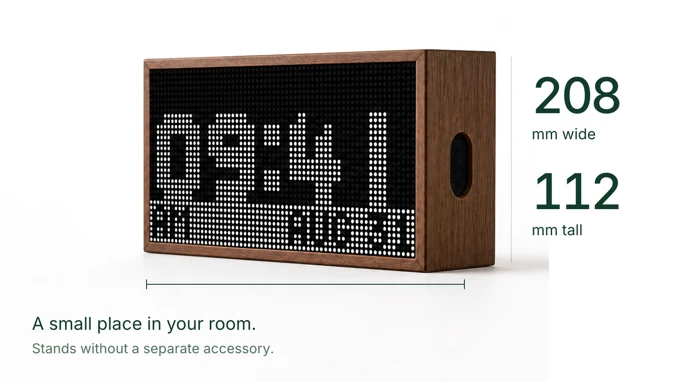
Niblet is compact enough to stand on a desk, shelf or entryway table. The current frame measures 208 × 112 mm and stands without a separate accessory.
The included mount fits into the recessed back for near-flush wall placement. Power enters through USB-C underneath, so the plug does not push the frame away from the wall.
The display has no battery. It is made to remain plugged in and quietly available.

Niblet apps are small, readable Starlark programs. You can inspect their source, remix an existing app or create one around the information only you care about.
If you do not want to start from a blank file, describe your idea to an AI coding assistant. Niblet's development tools give it the app format and render a real 64 × 32 preview on your computer. You review the pixels, make changes and publish when you are ready.
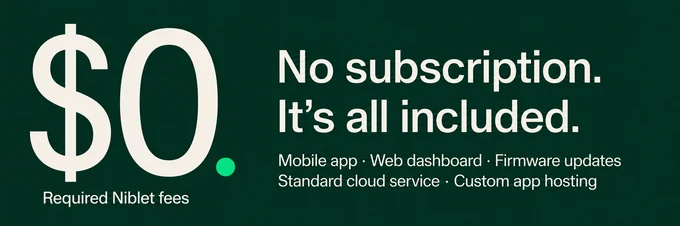
You can build by hand or with AI. Neither is required to enjoy the display. Developer access and app hosting are included with every Niblet device, it's not reserved for a more expensive tier.

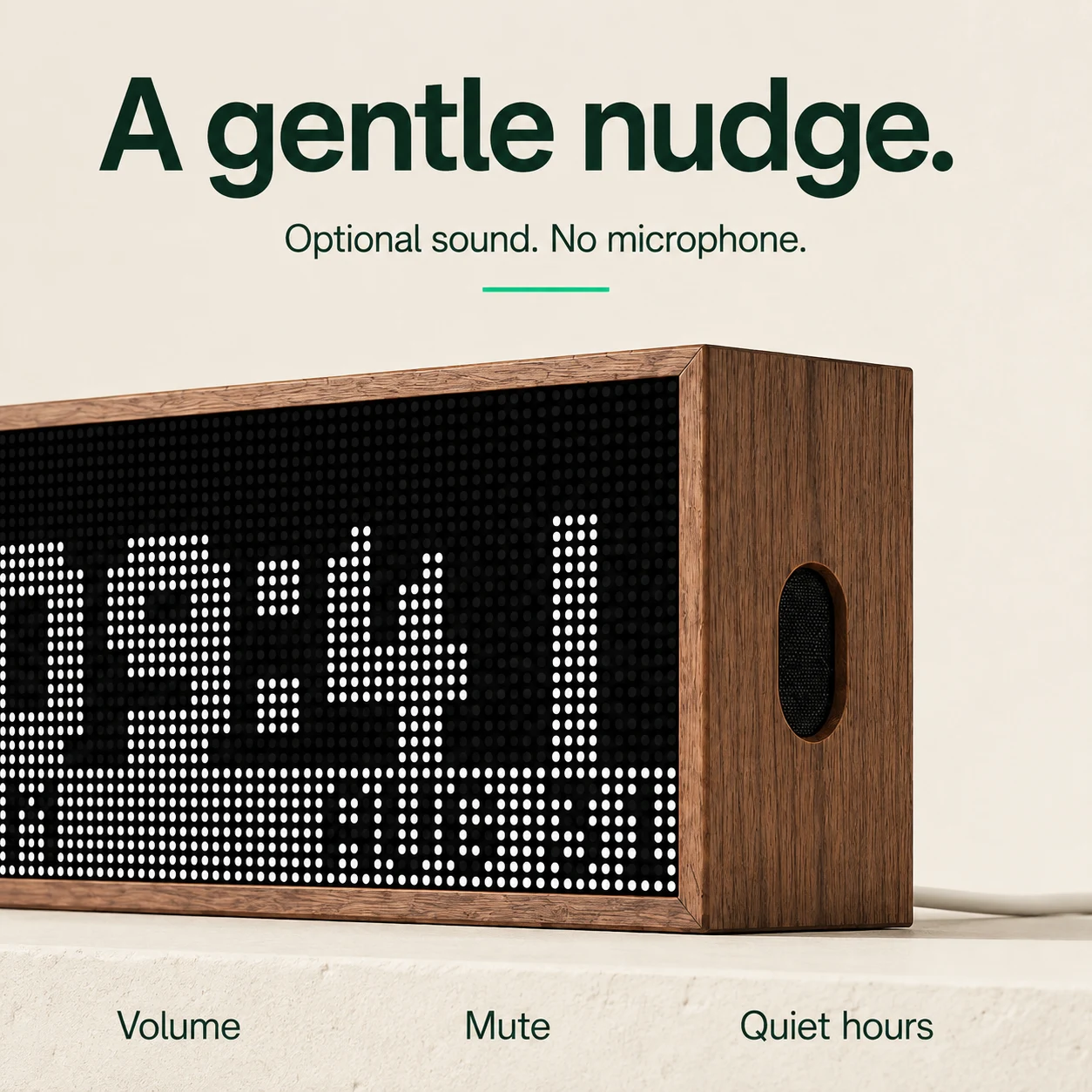
Most of the time, Niblet stays quietly in view. But when something needs your attention, its built-in speaker can give you a gentle nudge, use it for wake-up alarms, timers, calendar reminders, “leave now” transit alerts, severe-weather warnings, score updates or compatible smart-home notifications.
Every sound is optional, with volume, mute and quiet-hour controls. Niblet is not a voice assistant or music speaker, and it has no microphone. It simply adds subtle sound when seeing the update need your attention