Browser install
Tidbyt stopped working? Revive it with Niblet.
Replace the software on a supported Tidbyt Gen 1 or Gen 2 from desktop Chrome, finish setup in the Niblet phone app, and use Niblet’s hosted app catalog without running your own server.
- No monthly fee
- 1,000+ app catalog
- Custom apps supported
- Mobile app included
Step 1 of 3
Which display do you have?
Choose the model that matches your display. USB cannot reliably identify the generation; choosing the wrong model can leave the screen blank.
Choose how your Tidbyt runs
Hosted for you, or fully in your hands.
Choose Niblet to get back to using your display. Choose Tronbyt when running and maintaining the server yourself is part of what you want.
| Compare |  NibletManaged for you NibletManaged for you |  TronbytSelf-hosted by you TronbytSelf-hosted by you |
|---|---|---|
| Best for | Getting the display working and choosing apps | Running and controlling the complete stack |
| Hosting | Included and operated by Niblet | Installed and operated by you |
| Pricing | Free | Open source; hosting costs may apply |
| Daily use | Manage everything from the Niblet dashboard | Use the tools and interfaces you deploy |
| Mobile apps | iOS and Android apps in beta | iOS app in beta |
| Maintenance | Niblet handles the hosted service and routine updates | You handle updates, backups, security, and uptime |
| Choose Niblet | View Tronbyt |
Niblet is not affiliated with Tidbyt or Tronbyt.
Tidbyt recovery FAQ
Questions before you install.
Can Niblet revive a Tidbyt that stopped working?
Yes, when the Tidbyt still powers on and a computer can detect it over USB. Niblet replaces the original firmware and cloud connection. It cannot repair a failed power supply, damaged display, or other physical hardware problem.
What should I check before replacing the firmware?
Check the official Tidbyt service status first. If the display is stuck connecting, verify the Wi-Fi password and move it close to the main router or mesh access point. Use the Niblet installer when the hardware works but the original software or cloud connection does not meet your needs.
Does Niblet work with Tidbyt Gen 1 and Gen 2?
Yes. The browser installer supports the original Tidbyt Gen 1 and Tidbyt Gen 2. Select the matching model before flashing because each uses a different connection method and firmware image.
Is Niblet a Tronbyt alternative?
Yes, for people who want a hosted service instead of running their own server. Niblet provides the firmware, account dashboard, app catalog, and hosted service. Tronbyt is an independent open source project for people who want to operate and control their own stack.
Do I need a Raspberry Pi or home server?
No. Niblet uses its hosted service, so you do not need to maintain a Raspberry Pi, Docker container, or other server after installation.
Will my existing Tidbyt apps and settings transfer?
No. Installing Niblet erases the current firmware, settings, and cached data. After setup, choose apps again from the Niblet catalog and configure them in your Niblet account.
Why do I need the Niblet phone app?
The display joins your Wi-Fi over Bluetooth. The app pairs with the display, lists the networks the display can see, and sends your Wi-Fi password straight to it. Your phone stays on its normal connection, and the password is never sent to Niblet Cloud.
Can I return to the original Tidbyt firmware later?
The Niblet installer does not restore factory firmware. Keep your own original recovery image before flashing if you may want to return to it later.
Does Niblet charge a monthly fee for a revived Tidbyt?
No monthly fee is charged for Niblet firmware and the standard personal hosted service on supported Tidbyt hardware. An outside data provider used by a specific app may have separate terms or costs.
Or start fresh with Niblet One.
Niblet Pixel Display brings the same apps and dashboard to a beautiful walnut frame. Preorder yours and choose what belongs in your rotation.
Pre-order now!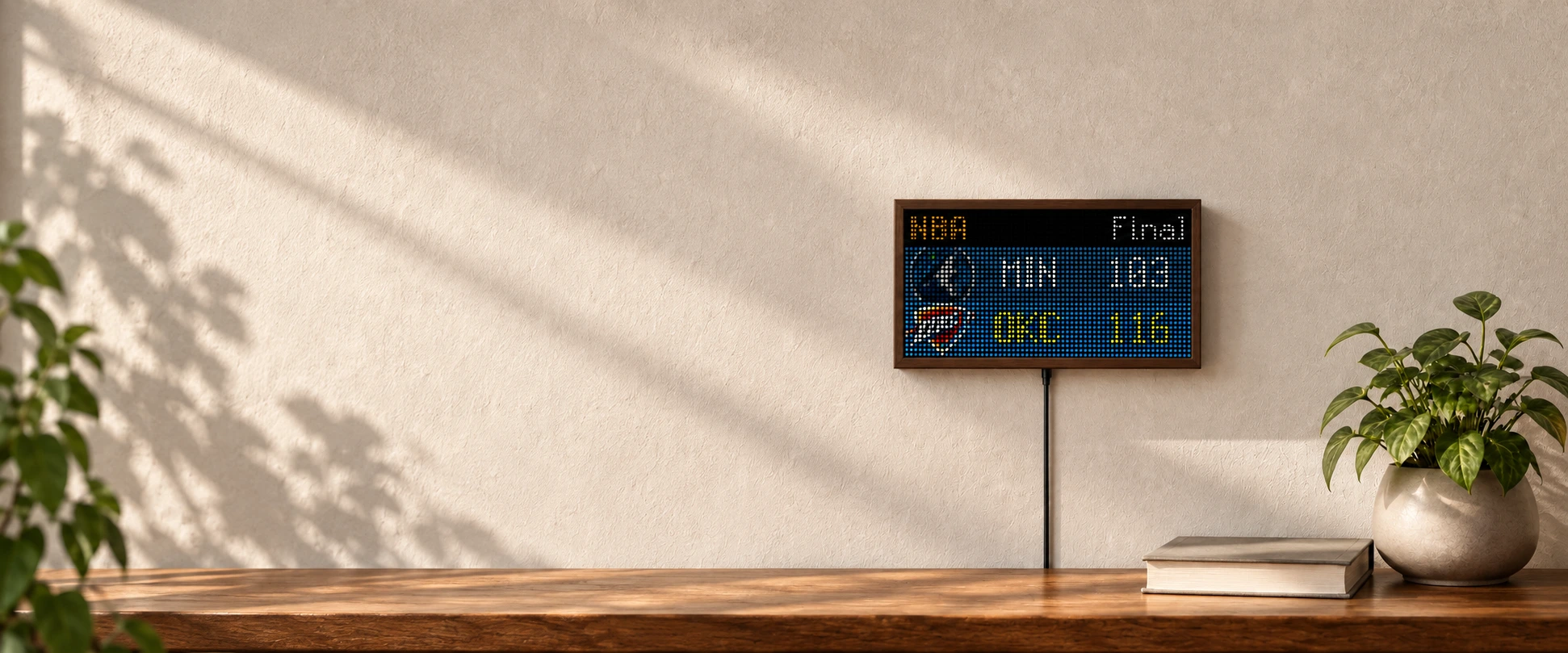
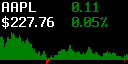
Stocks

Baseball

Phase of Moon

Cryptocurrency

Day Night Map

Google Calendar

Football

Clock
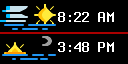
Sunrise Sunset

Photo

Spotify

Arcade Classics

News

Nyan Cat
Pick what deserves a place on the display.
The catalog has more than 1,000 apps for weather, transit, sports, calendars, clocks, markets, and more. Install a few, put them in order, and ignore the rest.
See all apps